Step 1
Set up your profile in Chatlnked
Create your Chatlnked account and confirm the basic details that make setup possible.
Chatlnked helps communities keep conversations moving between Discord and Telegram, so platform preference does not become a wall.
Start in Chatlnked, connect both sides, then let the bridge keep Discord and Telegram moving together.
Create your Chatlnked account and confirm the basic details that make setup possible.
Add Chatlnked to Discord and Telegram so each side has a bot ready to bridge messages.
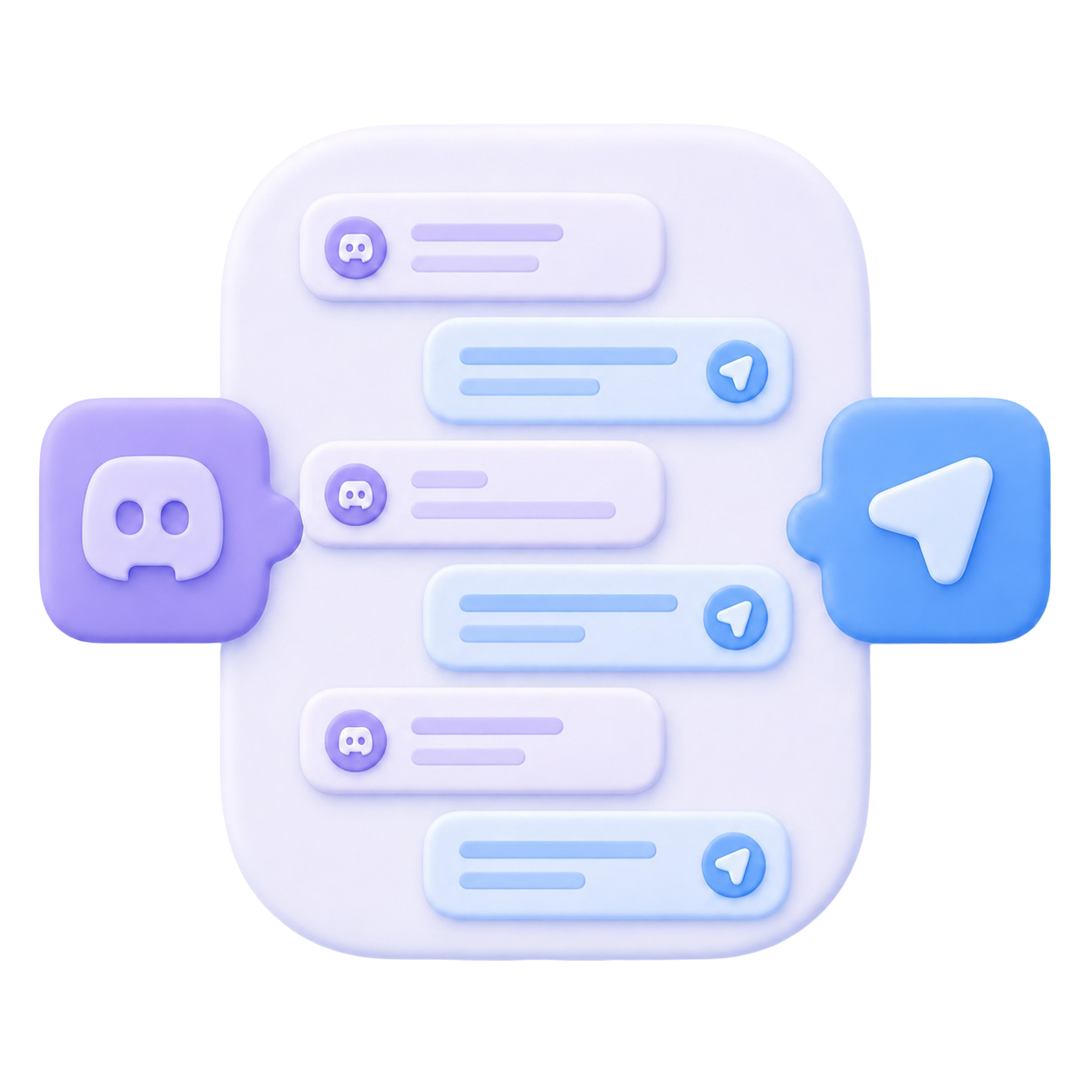
Choose the Discord channel and Telegram destination, then Chatlnked keeps both sides in sync.
Messages get lost. Context is missed. People repeat themselves. Chatlnked bridges Discord and Telegram so your community can stay connected without forcing everyone into one app.
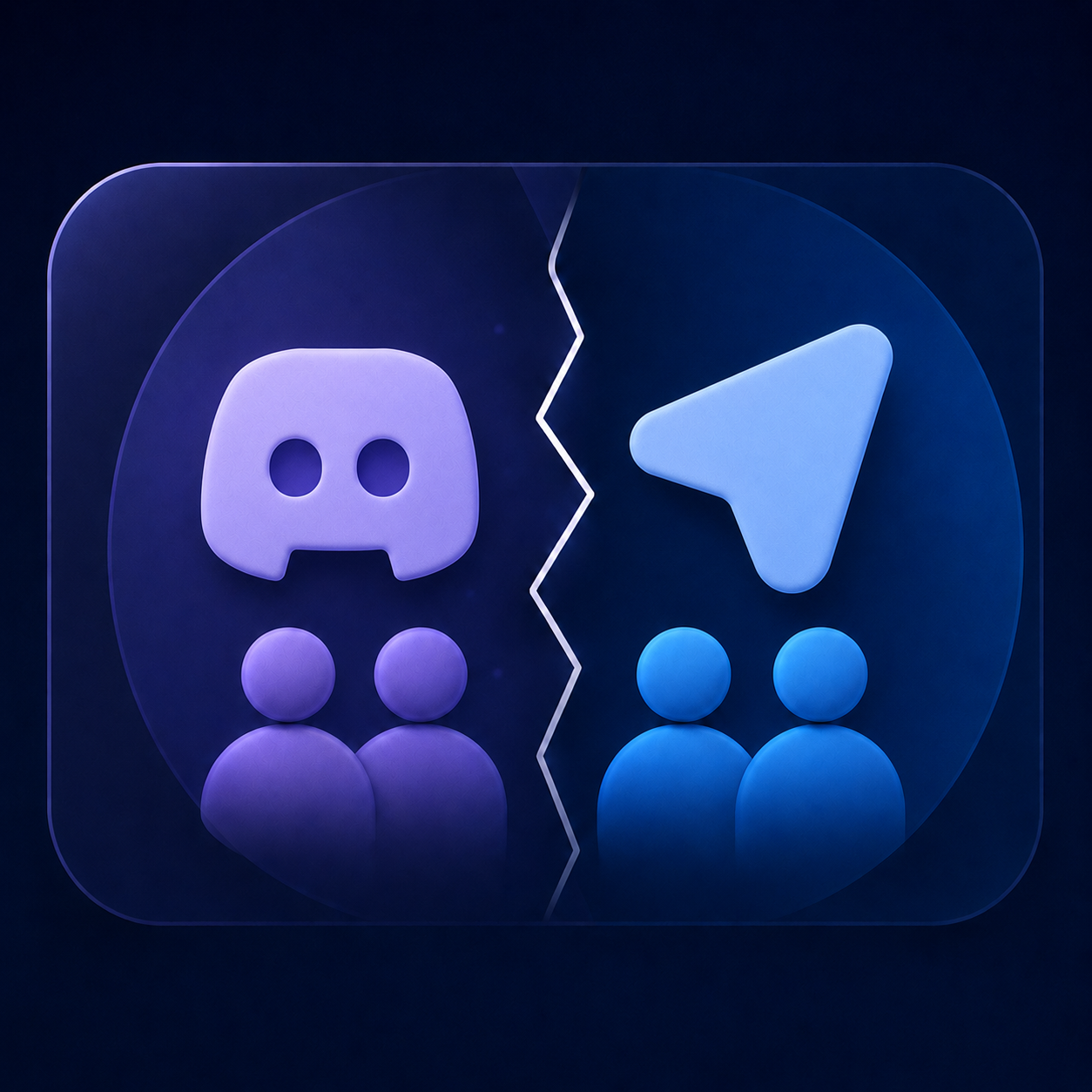
Some countries block either Discord or Telegram outright. Others restrict features, monitor usage, or impose policy-driven limits.
Chatlnked keeps messages moving between paired spaces so one platform does not become the only doorway into your community.
Stop making every community member install, join, monitor, and remember another messaging app just to stay included.
Create an account, connect your first Discord and Telegram pair, and see how Chatlnked fits your community.
Get Started